
Chaffee County Court Calendars Explained
The main free calendar for Chaffee Combined Court is the Chaffee-filtered Colorado Judicial Branch Docket Search. It spans the whole state. But the county filter keeps results at the Salida court location. It covers upcoming and recent settings. Those settings include both Chaffee County District Court and Chaffee County Court. It will not give you the full Register of Action. It also skips filed motions, signed orders, and document images.
Date filters offer several windows. You can go back six months, three months, or one month. Shorter spans run one week, today, or a single date. The court can still change a setting after you print or export a result. So treat the current order or notice as controlling. Recheck close to the hearing. Local notices and civil return dates appear on the official Chaffee County trial-court page. Remote-court instructions appear there too.
The statewide calendar interface shows how those filters are arranged:
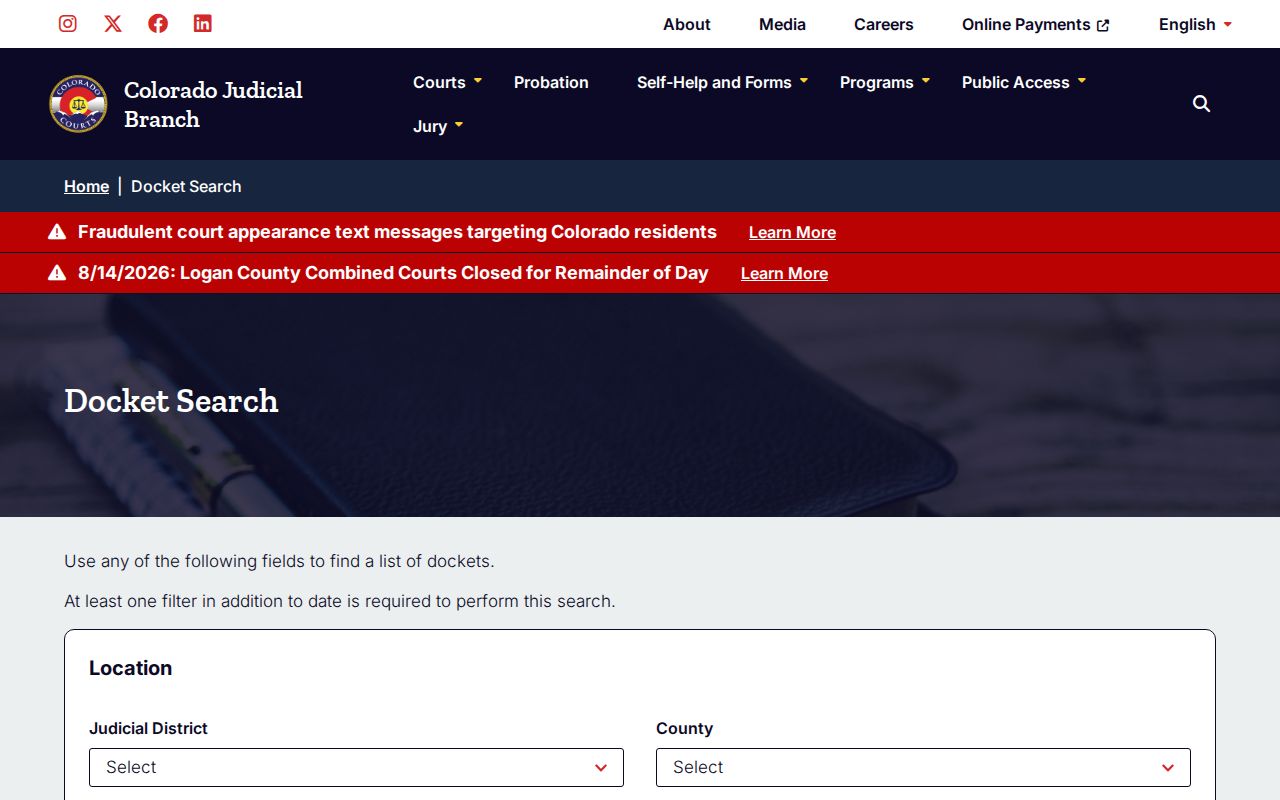
Think of that interface as a hearing locator, nothing more. A complete case timeline takes a separate ROA request filed with the Clerk of Court.
Chaffee County Calendar Date Ranges
Pick a date range that fits what you know about the Chaffee County hearing. A tight window works when you already know the week. Widen it if the setting moved or the date is a guess. One caution: the docket search will not run on dates alone. Add at least one more filter. That could be Chaffee County itself. It could also be the Eleventh Judicial District, Chaffee Combined Court, or a court type. Part of a case number works too. So does a party name or an attorney.
The sharpest match usually comes from the exact year, class, and sequence of the case number. Name searches pull in lookalikes. Check the class, location, hearing type, and year before trusting a hit. Each page of results shows twenty entries. Pagination, Export Results, and Printable Version all help. They make a long criminal docket or civil calendar easier to sort. Still, none of those copies locks in the schedule. The court calendar can change. Treat any printed version as a convenience. Rely on your official notice for the true hearing date.
Calendar scope: No result may mean there is no public setting in the chosen range, not that the Chaffee County case does not exist.
Finding Your Court Date
Grab the case number first. It appears on any notice, summons, or prior order, and it makes a Chaffee County court date lookup far faster. Know its limits, too. Some matters are old, restricted, recently reset, or handled at the municipal level, so work through each channel that fits rather than leaning on one screen.
- Open the free Docket Search and select Chaffee County or Chaffee Combined Court. Choose County or District Court if the case level is known.
- Enter the four-digit year, case class, and sequence. If the number is unknown, search the party or attorney fields and compare each result with the court notice.
- Read the date, time, duration, hearing type, location, appearance type, and courtroom as one setting. Recheck the result close to the date.
- Call the Clerk of Court at 719-539-2561 or visit the clerk counter at 142 Crestone Avenue in Salida when the mode is blank, the date changed, or no reliable match appears.
- Ask counsel about the current setting when represented. For a municipal citation, contact Salida, Buena Vista, or Poncha Springs Municipal Court as named on the ticket.
The local court page makes no firm promise of a public lobby terminal, so call ahead if you need a computer on site. A printed calendar at the courthouse can help on the day you appear. Even so, bring your case notice and confirm the court date with clerk staff.
Chaffee County Court Appearance Types
An entry may read IN PERSON or VIRTUAL. It may also show a blank appearance field, and that blank gives you nothing. It does not grant remote access to a hearing. Call the Chaffee Combined Court before the setting to confirm how it will run. Participants join through a court-supplied WebEx route. The public watches on a separate observation channel, and the two links play different roles.
The Judicial Branch lays out the participant framework for the whole state. It does so on its virtual courtroom page:
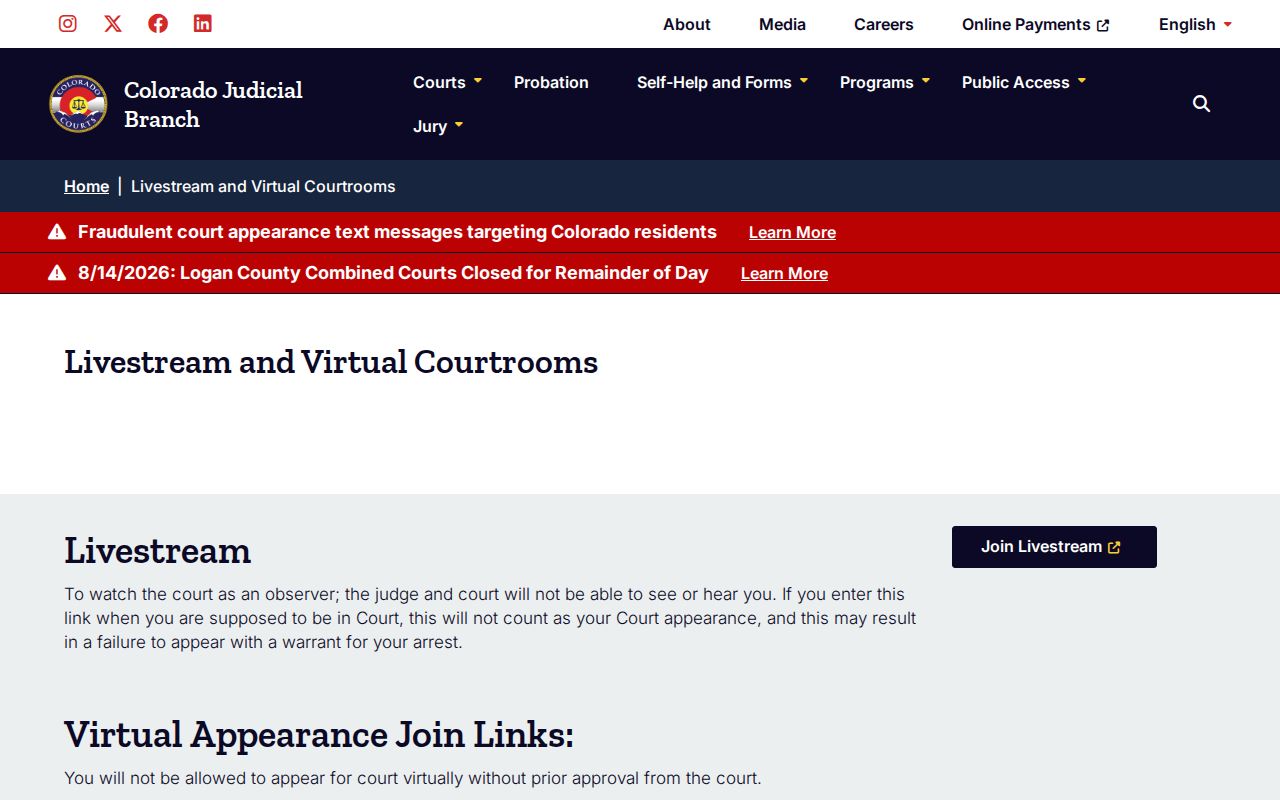
Remote access changes none of the courtroom rules. The Chaffee court bars recording, photographing, screen-capturing, or reproducing a proceeding without prior written authorization.
How to Read a Court Setting
Each row on a Chaffee County calendar is a compact notice of one scheduled event. Read every field before deciding where to go. Courtrooms may be numbered or lettered, including a location such as A. The row does not name the judge, show attorneys, display filings, state the balance, or report a final disposition.
| Date | The day assigned to the event; compare it with the most recent order or notice. |
|---|---|
| Time | The start time shown for the setting, which may differ from the event duration. |
| Duration | The calendar estimate, not a promise that the event will begin or end at that exact point. |
| Courtroom | The current room or lettered location at Chaffee Combined Court. |
| Hearing type | The procedural event, such as arraignment, status conference, motions hearing, or return date. |
| Appearance type | In person, virtual, or blank. A blank mode must be confirmed with the clerk. |
For judge assignments, check the official Chaffee judges and staff roster. The case notice still controls who hears a particular matter.
Chaffee County Setting Labels
Local labels describe only the purpose of the next event. They say nothing about outcome. A Plea Sentencing Hearing label, for example, does not prove a plea was entered or a sentence imposed; only the signed disposition or sentence order supplies that proof.
- Status conference
- A progress-management hearing, not necessarily a trial or ruling on the merits.
- Arraignment
- A setting where charges and plea-related matters are addressed.
- Motions hearing
- A setting to consider one or more requests filed with the court.
- Return date on summons
- A response or appearance date, not automatically the trial date.
- Appearance on bond
- A setting tied to release or bond status, not a statement of the bond outcome.
Other Chaffee County labels include advisement, show cause, permanent restraining order hearing, return filing of charges, and review with appearance of parties. Always match the label to the newest case notice.
Continuances, Resets, and Cancellations
A continuance or reset simply moves an event. The old setting can linger in the Register of Action anyway. The later order is what controls. Reset history never shows up on the free calendar, so conflicting dates are common. When that happens, request the ROA. Find the most recent minute order or notice. Check both the entry date and the hearing date before trusting either one.
An export can mislead for another reason too: changes entered after it was made. If a Chaffee County hearing seems to have moved, confirm the new setting with the clerk at 719-539-2561. Confirm it with counsel too, if you have a lawyer. A missing row does not prove a cancellation. The gap may come from the date window, the case class, a spelling difference, the court type, or public-access limits. Searching by number or name works better through the Chaffee County case lookup.
Note: County Civil and District Court Rule 120 returns are published for Mondays at 10:00 a.m. Each case notice and closure controls.
Chaffee County Calendar Observation
Want to watch a Chaffee County court date from home? The Colorado public livestream sometimes carries public hearings. It exists for observers. It is not for people who must appear in the case. Witnesses under a sequestration order must stay off the stream. Access restrictions can close juvenile, sealed, or otherwise protected proceedings to the public. The official selector shows the separate public entry point:
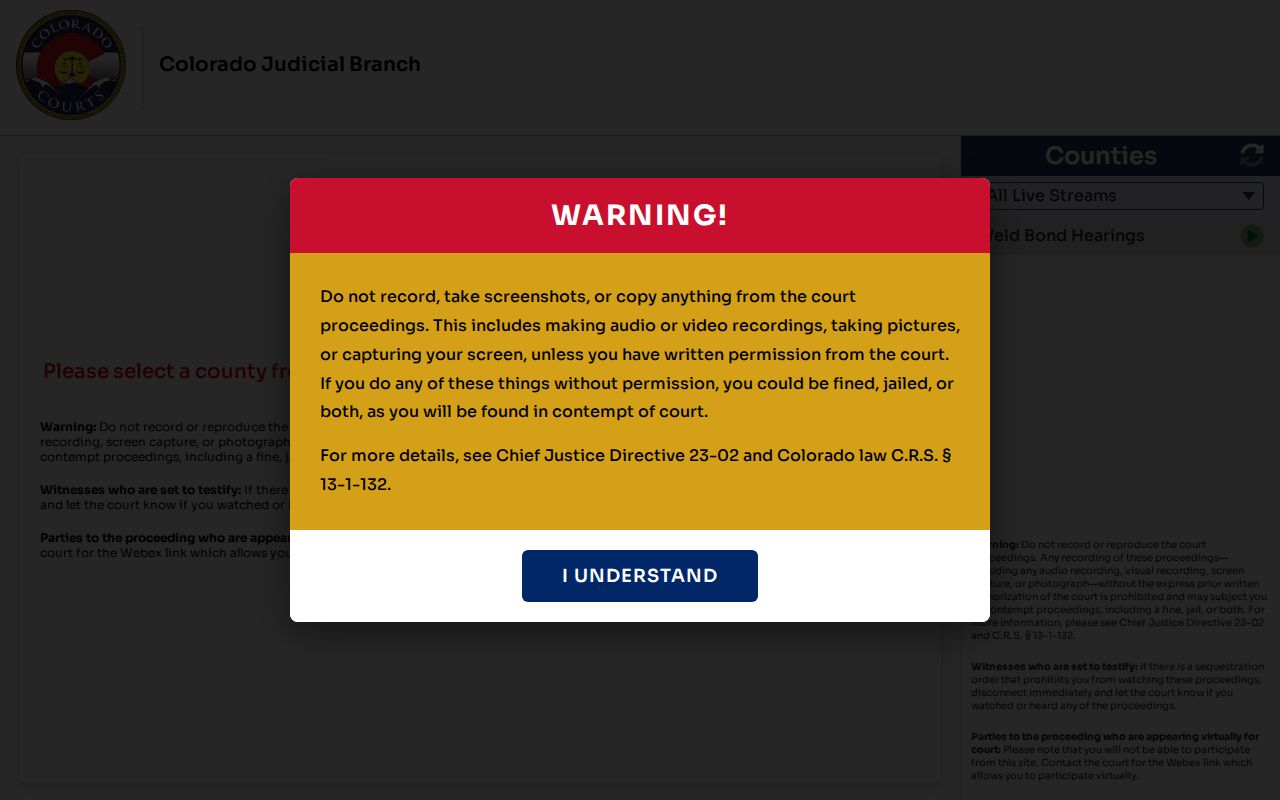
If you are actually scheduled to take part, use the WebEx details supplied for the case. Watching the public stream lets you file nothing, address no judge, and satisfy no appearance requirement.
If You Miss a Court Setting
Missed a Chaffee County court date? Act fast. Call the Chaffee Combined Court clerk with your exact case number and ask what the docket now shows. If a lawyer represents you, contact that office at once. What happens next depends on the case and the setting, because no clerk can simply erase a failure to appear or set a new date without a judge's action. The sooner you call, the more options remain.
Missed setting: A missed date can lead to added court action, a warrant-related proceeding, bond consequences, default, or collection steps depending on the case.
Confirm the case status with the court before going to the courthouse or relying on a prior notice.
A calendar row cannot tell you every consequence of a missed setting. When the current status is unclear, request the ROA. Ask for the specific order that governs the case. One caution on municipal matters: the city clerk named on the citation handles those, not Chaffee Combined Court. Do not assume the two offices share a docket.
Chaffee County Jury Calendar Rules
Jury reporting runs on its own live schedule, separate from any docket search. The official Chaffee jury information page posts current reporting instructions along with the clearest published courthouse entry rules:
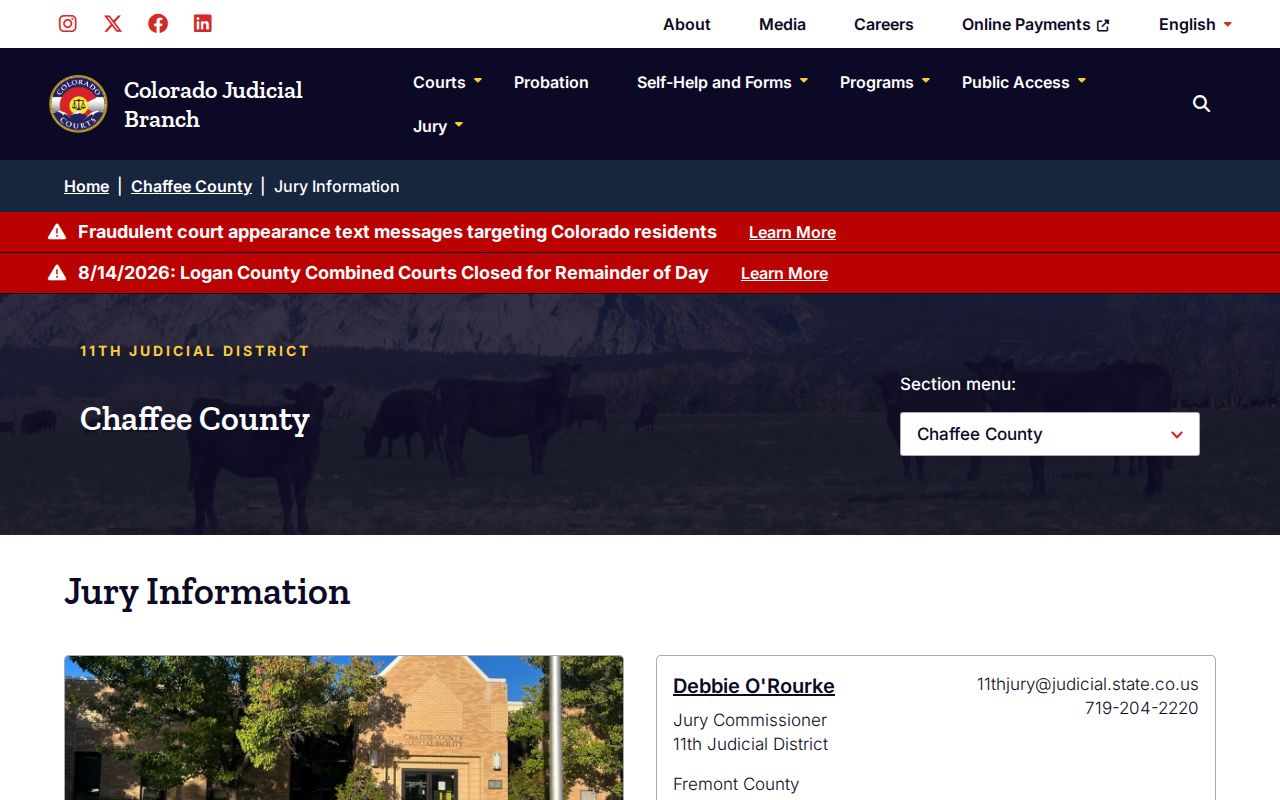
Everyone entering the courthouse passes through security screening, and any item may be searched. Leave weapons and vapes behind. Jurors should follow their jury notice and the live reporting instructions. Parties should follow their own case setting. The latest court order beats any general calendar.
Schedules differ inside the building. The courthouse itself is ordinarily open Monday through Friday. Hours run 8:00 a.m. to 5:00 p.m., excluding state holidays. Beginning March 1, 2026, the clerk counter keeps published hours of 7:30 a.m. to noon and 12:30 to 4:30 p.m. So building access and clerk service do not run on the same clock.